Even I get surprised by how often I dream about my Thinkpad x220. #dreamsaboutmyex 2018-01-12
Even I get surprised by how often I dream about my Thinkpad x220. #dreamsaboutmyex
tagged as
Even I get surprised by how often I dream about my Thinkpad x220. #dreamsaboutmyex
Heliotrope : This German rotating building design, was the first building in the world to generate more energy than it consumed.
I am a fairly sanguine UK rail commuter. I do not understand why they schedule the annual price hike for exactly the same week the holiday maintenance work is likely to have overrun, affecting all the services. Surely it would make more sense to raise the price at the start of the financial year, in April?
Old Street station has a popup "Black Mirror" shop. I am not sure how I feel about this. I am fairly sure I know how Dan Ashcroft would feel about this.
Blame The Daily Mail : Adam Curtis in wonderful form on the roots of MI5.
IDW formally announces "The Strange Death Of Alex Raymond" : That is one busy cover.
Day one of no twitter feels very strange. This gives me some confidence that it is probably a useful exercise.

This is what my final day at last.fm looked like.
In the morning, this.

Yes, I'm working on getting a MAME cab smuggled into Moonfruit.
Enron Email Dataset : cleaned up, organised, and presented as part of the Internet Archives dataset collection.
Self cleaning eggs : Guillemot eggs have a surface microstructure that makes them self-cleaning eggs, like a birds egg, EGG.
A potential exhibition of Yellowism :Tate Britain is organising an exhibition of art that has been attacked in publlc.
This afternoon I went on a short guided tour of the decomissioned Royal Navy submarine, HMS Ocelot . It's in a dry-dock at the Royal Dockyards working museum at Chatham , just 20 minutes down the road from home.
Apologies for the poor quality of the photos. I only had my iPhone, with 15% remaining charge, and submarines do not offer much in the way of natural lightning.
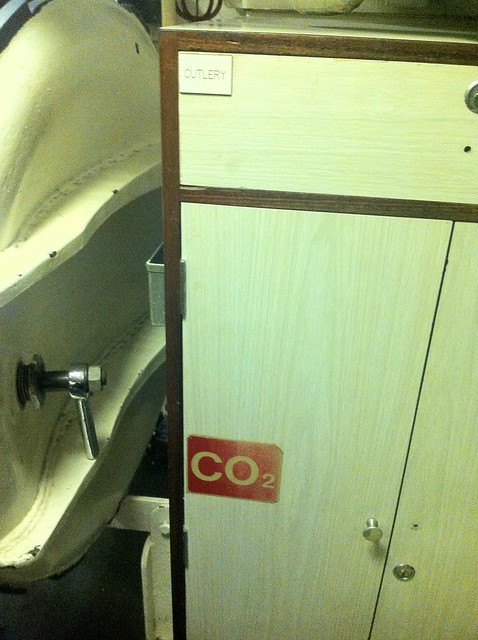
Despite having owned a year pass for the best part of a year, and frequently admired the Ocelot from the outside, this is the first time I've been aboard. The tour is short, cramped, and completely fascinating, although perhaps not for the squeamishly claustrophobic, and definitely not for the mobility impaired.
The Dockyards is a superb example of a modern lottery-assisted regeneration project. There's several large ships in dock you can wander around, huge warehouses full of boats and machinery to pore over, a ropery, an art gallery space, a working steam railway, several sub museums. Far more than you can do in a single visit, but your ticket, once purchased, is good for 12 months of repeat admission.
I've been writing a couple of things in hy again this week. What's Hy? It's a cute idea. It's a lisp that compiles? (transpiles? I never get the difference) to the Python AST. I guess the elevator pitch might be something like clojure but for python. So yeah, a rich, super stable class-tree sort of OO language, with enormous portablility and twenty-odd years of library support for everything you might want to do, but with a nice, dynamic, lispy language and a repl.
I've played with hy a little bit on and off over the years. Actually, when I was working at SMR, I actually deployed some in production. (Somehow, I doubt that's still a thing). Python is my go-to scripting language, because it's very plain, very portable, batteries included, somewhat modern, probably already installed everywhere I work. I try to use it for scripty things, rather than shell or perl or something. Lisps are my favourite programming language. I just like how it fits together. I know lots of people don't, and I'm fine with that, but I always enjoy it.
So over the holiday weekend I found myself wanting a couple of almost throwaway scripts, and I decided to reach back into the hy bucket, and give that another try. I wrote a script to grab my selfie tweets from a twitter archive, and a rough script to publish formatted micro-blog entries directly from the shell.
It was a fun exercise. Hy has moved on a bit since I last tried. (They seem to have removed let, and car, and cdr, and lambda which I feel funny about), but by and large it works really well.
I don't think I would choose to use it to build any complicated systems. (Typically this is true of Python as well to be fair). I'd love to see something like an idomatic web framework in it. I could imagine using it to build serverless workers over something like apex up or chalice perhaps. I should totally try that!
I am not really very good at it yet, so I doubt I'm writing optimal programs. My scripts often look like Dr. Moreau designs halfway between a python script and something more lispy. This could well improve as I understand the underlying sequence / itertools glue a bit more, I'm often routing around confusing sequenced things. I absolutely enjoy writing little scripts like this in it, and I think I maybe enjoy it more than I would if I was writing plain python. I gave some thought about why this might be and I think I figured it out.
It could just be as simple as being all about the code editing. Python, and it's whitespace delimited blocks, is fine, and super readable, but it's always slightly fiddly to edit. Some of this is my toolchain, I'm sure. There's a lot of bells and whistles you can glue over emacs for Python work, and they're pretty good, but I do always find it a slightly fiddly experience. Balanced expressions and sexprs though are obviously an absolute joy to edit in emacs, alongside an embedded inferior lisp repl, and although it's nowhere near as integrated an experience as using slime with a "real" lisp, it's closer to that than editing Python ever feels, and for me that's a significant productivity win. So I think it will stay in the toolbox.
I recommend Hy to anyone who is interested in interesting lightweight languages, especially scripting languages. Obviously it's particularly relevant to anyone who likes python or lisps, even if just as a curiosity. If you work with Python and like using emacs though, and like the sound of 'Python but with structured editing' I would strongly recommend you look at how it might integrate into your workflow.
Fretboard Heatmaps : This is a really neat idea, although it's a pity it has so few artists.
Album Shuffle : I published my playlist generating python tool onto github
If you have a Mac, and you use Terminal.app to run UNIX commands, try executing this for a cool shell prompt
export PS1="\360\237\220\232 $ "
See what I did there?
If you are using a UTF-8 encoding for your terminal, which you probably are, and if you're using a recent OS X, and have the right fonts installed, which you probably do, you should have a little sea-shell graphic for your prompt. Literally a cool shell prompt.

In a recent revision to Unicode , code points were assigned for many emoji. Emoji-what-now? These are little emoticon glyphs that rose to popularity in Japan . Apple have included a nice typeface with full colour icons for a subset of these in the last couple of releases of both iOS and OS X, so you can use them in most applications that use the system type rendering library, like Messages. On OS X, this includes the bundled Terminal.app terminal emulator. So you can print little icons in your shell, if you know an encoding for a particular glyph.
Here's the ever popular 'pile of poo' ( U+1F4A9 )

Not sure what that is supposed to be used for, but it's terribly popular on the internet. "But how", I hear you ask, "do you find out the encoding sequences for these appealing novelties?"
Well, you can search for unicode code tables on the internet. On the Mac though, the easiest thing to do is probably to enable the Character Viewer tool via the Language and Text System preference pane.

This gets you a panel like this, where you can browse all the characters your computer knows how to render, including all the emoji sets, and find out their Unicode code points, and more importantly, a way to encode that code point in UTF-8.

So, as you can see in my fecal example, the UTF-8 byte sequence for 'pile of poo' ( U+1F4A9 ) is F0 9F 92 A9, and we can print that in a bash shell, using echo with the -e flag to enable interpreting of escape sequences, using the \x escape prefix to indicate bytes in hex.
Going back to the original shell trick, the shell emoji ( U+1F41A ) has the UTF-8 encoding F0 9F 90 9A. The bash shell doesn't seem to have an escape sequence for hex encoded bytes in it's prompt string, but it does interpret 3 digit codes prefixed with a plain \ as octal encoded literal bytes, so if we convert this hex string to four octal numbers, using bc or od, or emacs or just Calulator.app, we get the escape sequence from my initial shell example - "\360\237\220\232"
So far so cute. But is there anything vaguely useful you can do with this sort of thing? Sort of. A picture's worth a thousand words. So we could perhaps encode mnemonic information in icons, and somehow dynamically update the prompt to reflect this.
Bash will execute the contents of an environment variable PROMPT_COMMAND as a shell command immediately before the shell prompt is printed. Typically this is used to update terminal colours or title strings with escape sequences, or update PS1 to add some content that can't be printed using the built-in prompt escape functions. I decided to make my prompt respond to the result of my most recent command.
Here's the relevant shell glue I just stuck in my .bashrc
emoji ()
export PROMPT_COMMAND='PS1=$(emoji $?)'
This runs a shell function called emoji in a subshell, which returns a string based on the input argument. The input argument I'm using is the exit status of the last shell command. This gets me a smiley face in my shell prompt, unless the last command I ran returned a non-zero exit state, which in UNIX, indicates a problem happened. This makes my prompt draw as a 'confused smiley', if something has gone wrong.

Still cute, and almost useful!
I think I'll keep it for a while.
-AppleLanguages : Overload the locale for cocoa programs at the command line.
With all this focus on RSS generation for micro blog, I've been optimising my engine. I've learned how to use SBCL's profiler, and I have shaved a third off the cost of generating indexes
Every HN Thread, ever : It's a particular flavour of Eternal September over there.

It's been a month now, and I ought to be used to it, and in many ways I am, but in surprisingly many ways I'm still not; I don't have a dog anymore. He got too old, and he got too sick, and tired, and uncomfortable, and he had to be put to sleep, back on the 28th of November. How does it feel? Terrible.
It was an enlarged heart that did for him. Poetically enough, his heart was just too large for him to carry on. The photo above is taken on the last morning, before I headed out to work. I knew there was very little chance he'd be coming back from the vet's appointment later that day. We had a little conversation and I carefully explained to him that he was a very good dog.
Of course he was actually a terrible dog. A brilliantly terrible one, as most dalmatians are born to be. He'd not really been himself for a couple of years, stumbling about and complaining about most things, but right up until the last couple of weeks he was coping mostly, and remained good company. In his prime though, that dog was an athlete, who used to literally fly, and if I open my mind's eye a little, that's what I can see, streaking around the Bristol countryside, barely controllable, raiding bins, and laughing at you, over his shoulder.
I don't really know what to write. I have to write something though. This website, which has been knocking around for fifteen years or more, only really took initial form as a rudimentary 'blog' so I could share dog photos with his burgeoning fanbase. Most of that has bitrotted now, but when I feel better I would like to clean it up some. So I can't really even let go of him without marking some notice here. I don't need to trot out all of the anecdotes, they're probably dull and too personal. After all, outside of my immediate circles, he's just some bloke on the internet's dog. To me, and to some of his internet fans though, he's the best dog in the world. Every single word of that is true.
Should you wear nice underpants when you feel ill, or 'I guess I don't care about anything' ones? These are the questions
When you have, as I have, a race condition in posting that exists somewhere between systemd, rsync, bash, perl, and that's before you even get to the CMS, it is probably time for some refactoring
I'm experimenting with desktop email clients again.
I like Apple Mail a lot, it's one of my favourite examples of GUI desktop application, but the last couple of iterations have made it a little more clumsy to use with keyboard navigation, and it doesn't scale terribly well to managing multiple, high-volume IMAP accounts. Particularly, I find refiling groups of similar emails to be more labour intensive than this task would seem to require. By means of contrast I love refiling mail on my iPhone using Apple Mail for iOS, in truth I love using Mail on my iPhone for any mail task way more than I'd expect, it's insanely usable for an email client on a tiny, squeezable hand-toy.
The real impetus for investigating a desktop alternative has come from our recent switch to using GMail for our corporate mail service at work. I hate google mail's not-quite-IMAP IMAP implementation, I hate it's sluggish IMAP performance through Mail.app, and I hate hate hate it's god-awful webmail interface. So I've been putting some thought into rethinking the way I process email. Naturally my first line of attack is to retreat to emacs .
I've used emacs for mail before, on and off. When I first switched to using linux for my desktop systems, way back in the 90s, I used gnus on emacs for mail for a while, then when I made the switch to XEmacs for a couple of years I discovered VM , which was my main INBOX on and off, following me back to GNU Emacs, with occasional experiments with Netscape Navigator , and Evolution up until I switched to a Mac full-time, around 2001. I do recall trying Thunderbird a couple of times, but I could never tolerate it for much longer than a half-hour. I also used Wanderlust for emacs for a few months when I first started working at last.fm, but I switched to using a Mac at work shortly after that, and added my work email to my Apple Mail setup.
This time around I'm trying to re-organise the way I approach mail fundamentally. A few years ago, I started deleting mail after I'd read it, unless I definitely felt it warranted keeping. I really liked the feeling of freedom that seemed to open up, releasing me from worrying about tidy filing of hierarchical mail archives that always needed archiving and backing up. Inspired by GMail's approach to tagging and searching, the mail I did keep I filed into a small set of IMAP buckets and indexed them in Apple Mail with labels and "smart folder" searches. So I'm trying to push that even further, and I'm trialling mu , a decidedly minimalist interface to email.
mu works over a local mail store, ideally Maildir . So I've started syncing my work GMail account to my laptop, using the mature, Free software syncing tool offlineimap ( I installed it from macports ). offlineimap has specific GMail support, and it's super-easy to set this up to sync to a GMail account, although I had to add a
 folderfilter =
  lambda foldername: foldername not in ['[Gmail]/All Mail']
to the account configuration in ~/.offlineimaprc to stop it syncing the Gmail "All Mail" filter as an IMAP folder, meaning I had 2 copies of every email going down. I set up a User launch agent via launchd to run offlineimap every 5 minutes, syncing to ~/Library/OfflineIMAP/lastfm/
Once the mail was syncing both ways, I ran
MAILDIR=~/Library/OfflineIMAP/lastfm/ mu index
to initialise the mu indexes. I can now explore the mail archive from the shell using commands like
mu find from:jira date:2w..today
which would return a summary list of emails matching the search criteria (i.e. all mail sent from JIRA in the last 2 weeks). mu is based on the xapian indexer library, and these queries run lightning-quick. The indexing process is thus entirely separate from the imap sync, and the indexes need to be updated by re-executing the 'mu index' command to keep them fresh. This takes fractions of a second after the original indexes are built.
I'm not really interested in running searches from the shell though. mu is really an archive browser ; ideal for integrating with other mail reading and sending utilities. mu ships with a nice keyboard friendly emacs interface called mu4e . mu4e offers quick navigation short cuts to browse IMAP folders, a simple syntax to mu searches, and a list of bookmarked searches, much like virtual folders. mu4e can be set to periodically update the mu index, and even run a Maildir sync, such as offlineimap. Here's the config elisp block from my startup files.
 (setq-default
  mu4e-maildir "~/Library/OfflineIMAP/lastfm"
  mu4e-drafts-folder "/Drafts"
  mu4e-trash-folder "/Deleted Messages"
  mu4e-sent-folder "/Sent Messages"
  mu4e-refile-folder "/Archive"
  mu4e-mu-binary "/usr/local/bin/mu"
  mu4e-sent-messages-behavior 'delete
  mu4e-get-mail-command "true"
  mu4e-update-interval 300)
all of which is quite straightforward. The root of the various folder paths is the top level Maildir. mu4e-sent-messages-behaviour is set to the symbol delete, which is recommended for GMail accounts, as GMail auto populates one of it's magical pretend folders with all sent messages. I have set mu4e-get-mail-command to true because I prefer to have the Maildir synced via my launch agent, independently from emacs.
There's a very nice mu4e manual which documents the package in detail, I haven't managed to work through it all yet. So far I'm managing quite well with manual searches, and the default set of keybindings and stored bookmarks. List view management follows the usual emacs semantics of building up 'marks' on list entries and then applying the actions in bulk, familiar to habituated emacs users from org-mode , wanderlust, dired etc.
The mail and editing and sending is borrowed from the usual emacs GNUS / smtpmail combination, which is fine, as these work perfectly well.
I've found only one tricksy wrinkle; mu4e, like any sensible thing expects email to be in plain text. If the viewer is summoned on a rich text ( usually HTML ) mail, it tries to convert it to plain text for viewing. By default is set up to use emacs built in html2text method, which frankly sucks, and failed to convert the majority of HTML mail in my INBOX. mu4e has a configuration variable mu4e-html2text-command option to use an external conversion command. This should be a utility that accepts HTML input on stdin, and returns converted text on stdout. The manual suggests using the python-html2text utilities, but I think on a Mac it makes more sense to use the mildly obscure, but occasionally useful, Apple provided shell tool - textutil
It needs to be invoked like this to work with mu4e.
  (setq mu4e-html2text-command
  "textutil -stdin -format html -convert txt -stdout")
And with that, everything works great. I'm going to try living with it for a few weeks before I customise it further, but I'm looking forwards to setting up Wanderlust-style dynamic refiles, and integrating crypto support, so I can return to GPG encrypting and signing my mail again, like I ought to, at my age. Never forgetting, of course, cms 1st law of software :- "All mail clients suck, intrinsically"
Does anyone know if eating your own bodyweight in Stilton is a good way to clear up Xmas flu?
Raspberry Pi Radio : Official last.fm scrobbler build for Raspberry Pi/Raspbian
 I think she is smitten.
 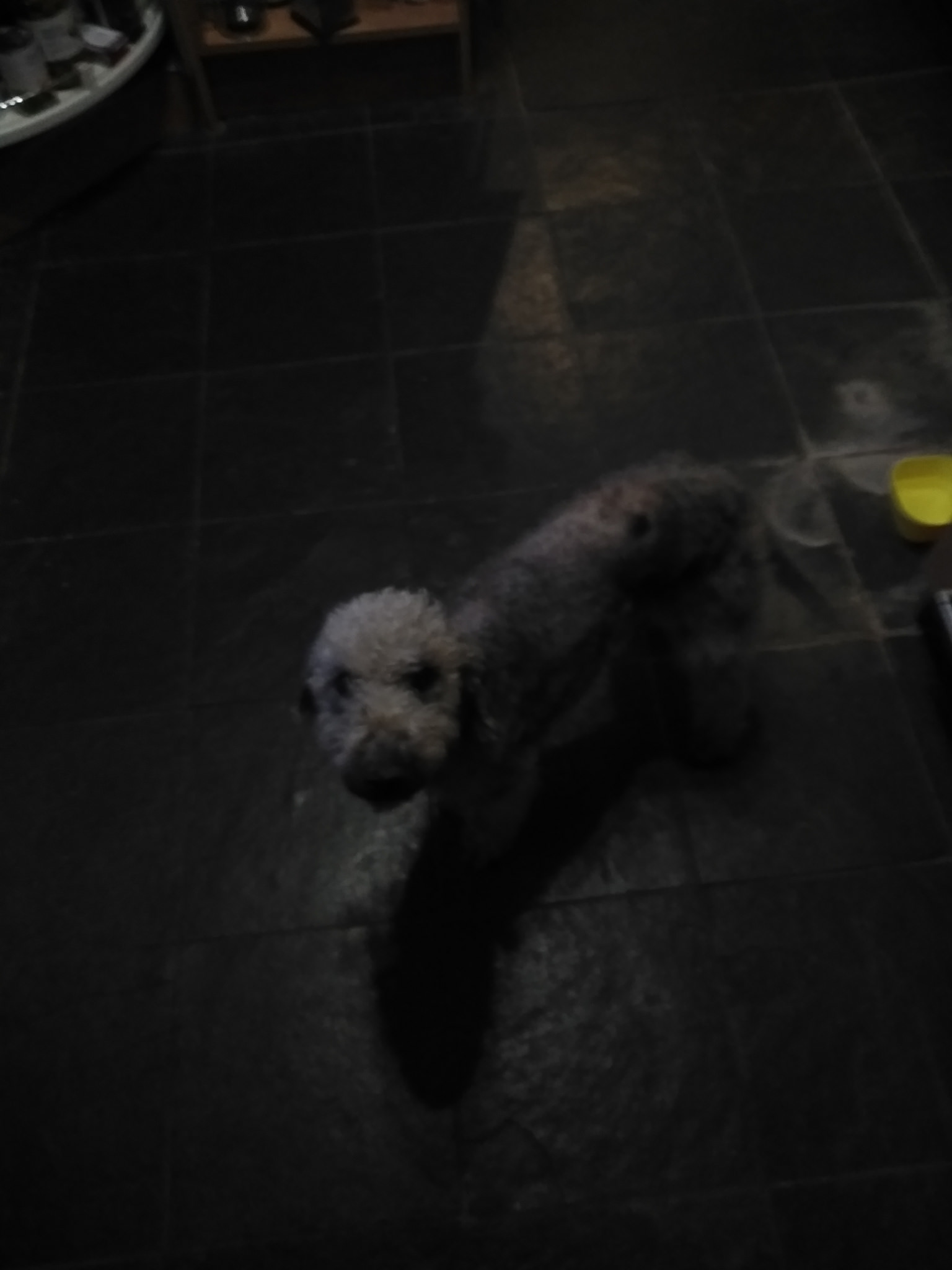 introducing Snoop Dogg, a three year old Bedlington rehome
  This was a great Xmas read, although nothing like what I was expecting